What’s the Difference Between Arduino and Raspberry Pi (and Which Do You Need)
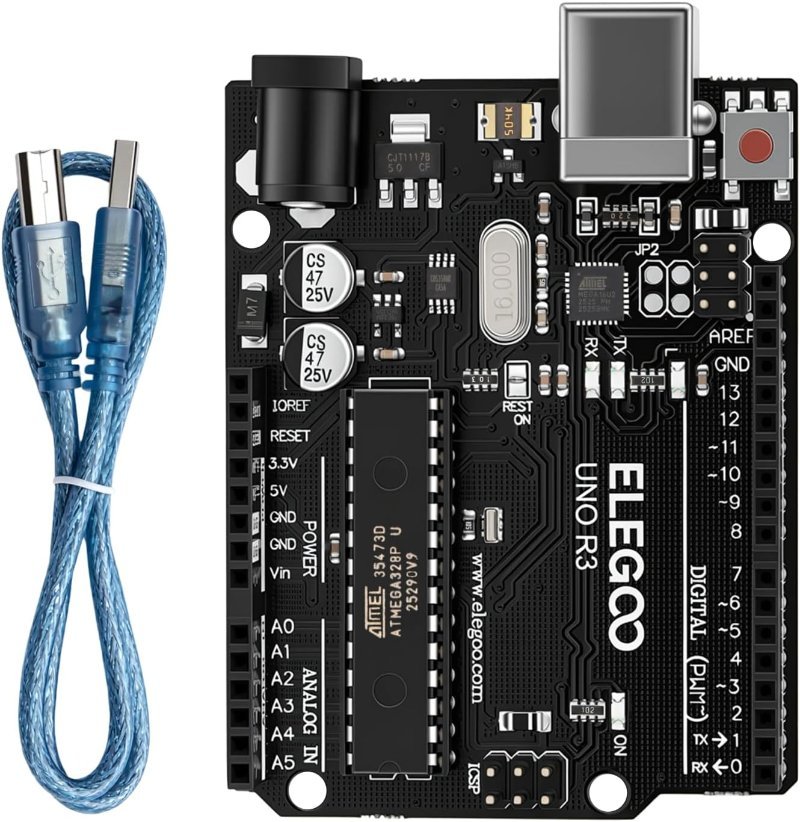
Arduino is a microcontroller; Raspberry Pi is a computer. Here’s what that actually means for your project, why the Pi has no analog pins, and which one to buy first.
Dev environment setup, tools, and programming guides for getting started with Arduino and robotics.
Arduino is a microcontroller; Raspberry Pi is a computer. Here’s what that actually means for your project, why the Pi has no analog pins, and which one to buy first.
PID control is three lines of arithmetic with a scary reputation. Here’s what P, I, and D each do, when a hobby robot can skip it entirely, and the $12 sensor you’ll want when you can’t.
The IDE compiles fine and then nothing reaches the board. Nine times out of ten it is one of six boring causes, and there is a right order to check them in.
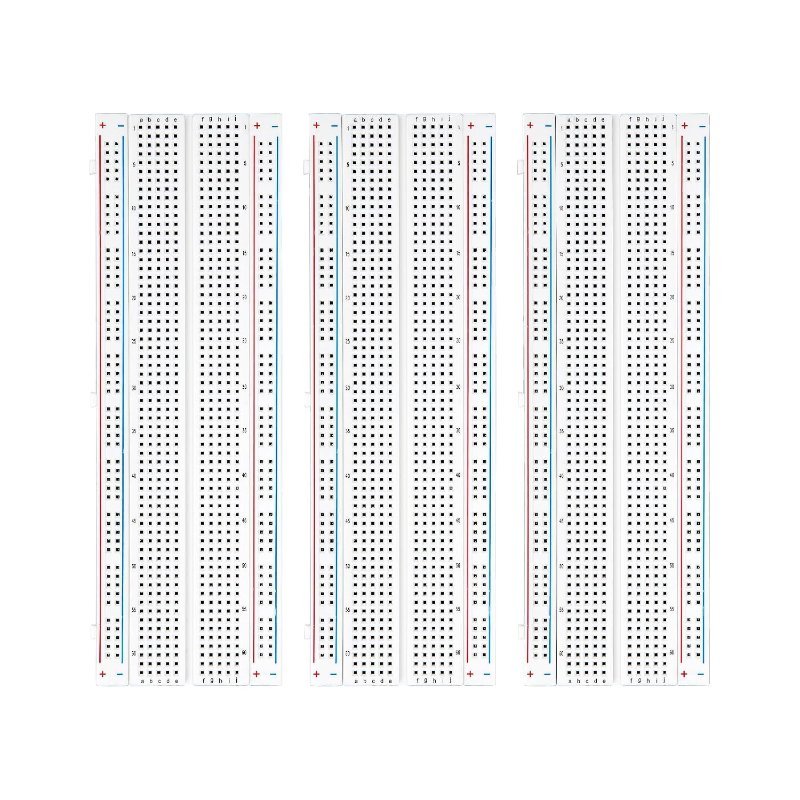
A breadboard gives you no documentation and no warning when you have wired it wrong. Here is exactly which holes connect to which, how much current the clips can really take, and the four mistakes that actually destroy components.
Ultrasonic, IR obstacle, and line sensors do almost all the perception work on beginner robots. How each one actually works, and the exact multi-packs to buy.
Random spikes, phantom zeros, and readings that jump around almost always trace back to one of five causes: your target, your timing, your timeout, your power, or the temperature. Here is how to tell which one you have.
Digital and analog pins aren’t just different labels on the header — they’re two different circuits asking two different questions of the same wire. Here’s what each actually measures, why analogWrite() isn’t analog at all, and the cheapest way to see the difference on a breadboard.
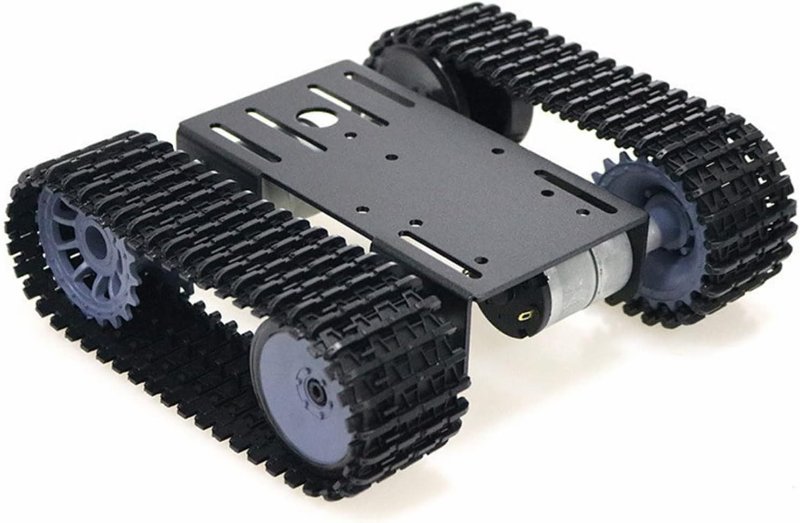
The chassis is the part of a robot everyone treats as an afterthought, and it quietly decides whether the thing drives straight. Differential drive, center of gravity, wheelbase, acrylic vs. aluminum, and what to actually buy for a first build.
The avrdude: stk500_recv() error is not a diagnosis — it just means your board never answered. Here is how to work through the real causes, from a wrong Processor setting to a charge-only cable to a bootloader that is genuinely gone.
The stk500_recv() error means the IDE found your serial port but never heard back from the board bootloader. It is a communication failure, not a dead chip. Here is the order to check things in, cheapest and most likely first.