Almost every beginner robot dies the same death. It works perfectly on the bench, tethered to a laptop over USB. You unplug it, snap a 9V battery into the barrel jack, set it on the floor, and it drives about eighteen inches before the board resets and the whole thing goes limp.
The code is fine. The wiring is fine. The battery is the problem — and specifically, it’s almost always the 9V rectangular battery, which is the single worst power source you can hand a robot. Here’s how to pick something that actually works, and the three packs I’d keep in a drawer.
The number that kills robots isn’t mAh — it’s current delivery
Capacity, measured in milliamp-hours (mAh), tells you how long a battery lasts. A 2000 mAh pack can theoretically supply 2000 mA for one hour, or 200 mA for ten. That’s the number everyone shops on, and it’s the less important one.
The number that actually determines whether your robot survives is how much current the pack can deliver at once without its voltage collapsing. Every battery has internal resistance — a little bit of unavoidable resistance inside the cell itself. When your motors suddenly pull an amp, that internal resistance drops voltage right inside the battery, and the voltage your board sees sags. Drop it below what the Arduino’s regulator needs and the microcontroller browns out and reboots. That’s the reset you’re watching.
A standard 9V alkaline holds roughly 500 mAh and has very high internal resistance — it was designed for smoke detectors and guitar pedals pulling a few milliamps, not for a pair of DC motors pulling a few hundred each. Two motors and a couple of servos will sag it into uselessness almost immediately. It isn’t a marginal choice for robotics. It’s the wrong tool entirely.
Know which voltage you’re feeding
There are three separate places power can enter a typical Arduino robot, and they want different things:
- The barrel jack / VIN pin — wants roughly 7–12V. An onboard linear regulator knocks that down to 5V and burns the difference off as heat. Feed it 12V and most of your battery’s energy becomes a warm regulator, not motion.
- The 5V pin — a regulated 5V rail you can feed directly if your source is already a clean, regulated 5V. This bypasses the onboard regulator, so anything noisy or unregulated here can damage the board.
- The motor driver’s own power input — this should come straight from the battery, not from the Arduino. A motor driver like an L298N has its own VCC terminal for exactly this reason. Run motors off the Arduino’s 5V pin and you’ll brown out the board every time they start.
One rule that catches people no matter which route they take: the battery’s negative terminal and the Arduino’s GND have to be connected. Two power sources with no shared ground reference is the classic “everything is wired right and nothing works” situation. If the 3.3V-versus-5V side of this is new to you, the 5V vs. 3.3V logic levels guide covers what happens when the two mix.
The three packs worth owning
These aren’t three tiers of the same thing — they solve different problems, and I genuinely use all three depending on the build.
This post contains affiliate links. If you buy through them, this site earns a commission at no extra cost to you.
Cheapest fix that actually works: a 6×AA holder with a barrel plug
If you’re replacing a 9V battery today with the least fuss, this is it. Six AA cells in series give you about 9V from alkalines or 7.2V from rechargeable NiMH — both land inside the barrel jack’s happy range — and an AA cell holds somewhere around 2000–2800 mAh with far lower internal resistance than a 9V brick. You get four to five times the capacity and a pack that doesn’t collapse the instant a motor spins up. The plug is the standard 2.1×5.5 mm barrel that fits an Uno directly, so there’s nothing to solder.
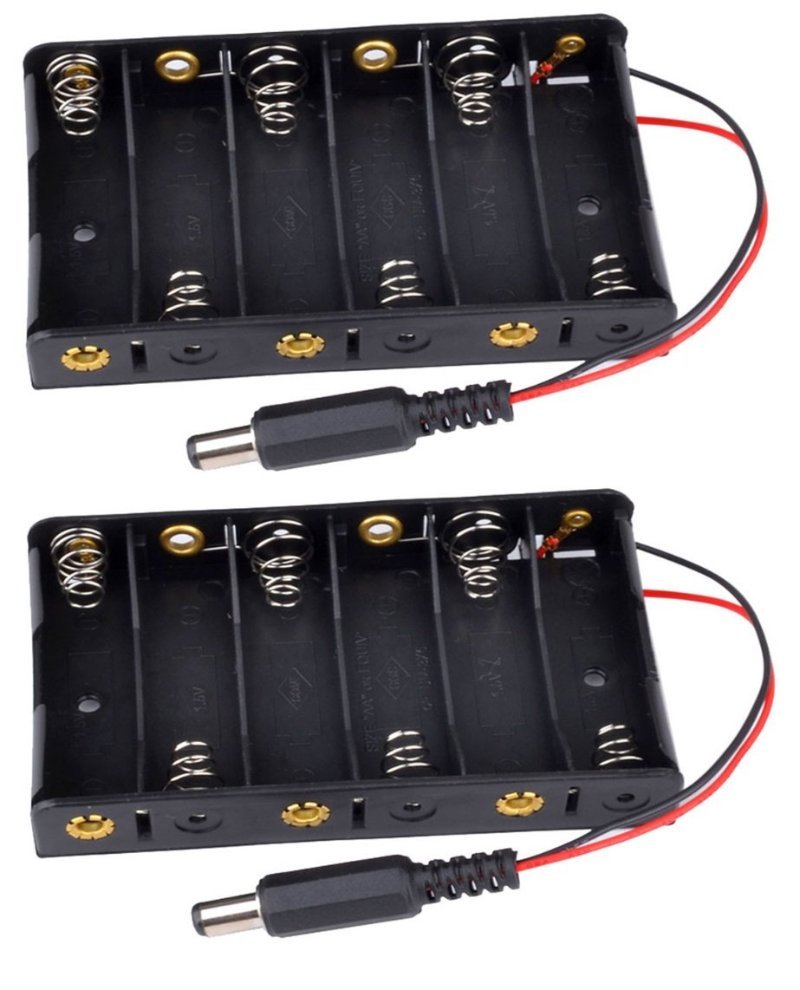
Plugs straight into an Uno’s barrel jack. Six AAs beat a 9V battery on capacity and on current delivery, and you can drop in rechargeable NiMH cells whenever you get tired of buying alkalines.
Check Price on Amazon →Best for sensor and ESP32 projects: a rechargeable 18650 shield
For anything that isn’t driving motors — a data logger, a weather node, an ESP32 sitting on a shelf reporting temperature — AA cells are wasteful and USB power banks are frustrating. Power banks are built to charge phones, so most of them watch for load and shut off when they see less than roughly 50–100 mA. A sleeping microcontroller draws well under that, which is why so many battery-powered projects mysteriously die overnight.
An 18650 shield sidesteps that entirely. It takes one rechargeable 18650 lithium cell (3.7V nominal, typically 2000–3500 mAh), boosts it to a regulated 5V and 3V, charges over USB, and never second-guesses how little current you’re pulling. The 5V output can go straight to an Arduino’s 5V pin or an ESP32’s VIN. Note that the cell itself is sold separately on most of these boards — budget for a pair of protected 18650s alongside it.
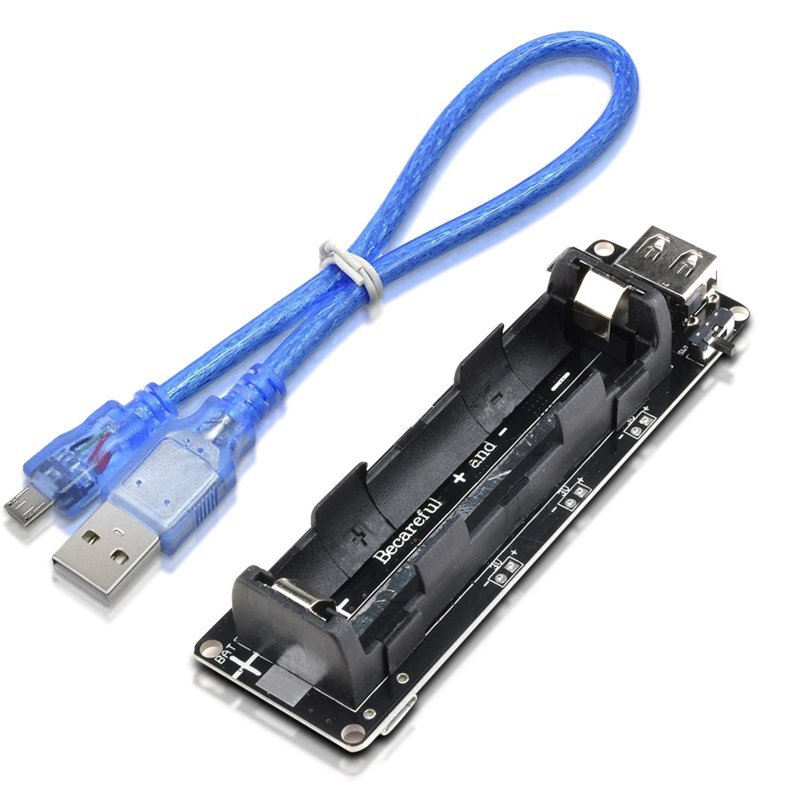
One 18650 cell in, regulated 5V and 3V out, recharges over micro-USB. No auto-shutoff to fight, and the 5V rail is clean enough to feed an Arduino or ESP32 directly. Cell not included.
Check Price on Amazon →For anything with motors: a 2S LiPo pack
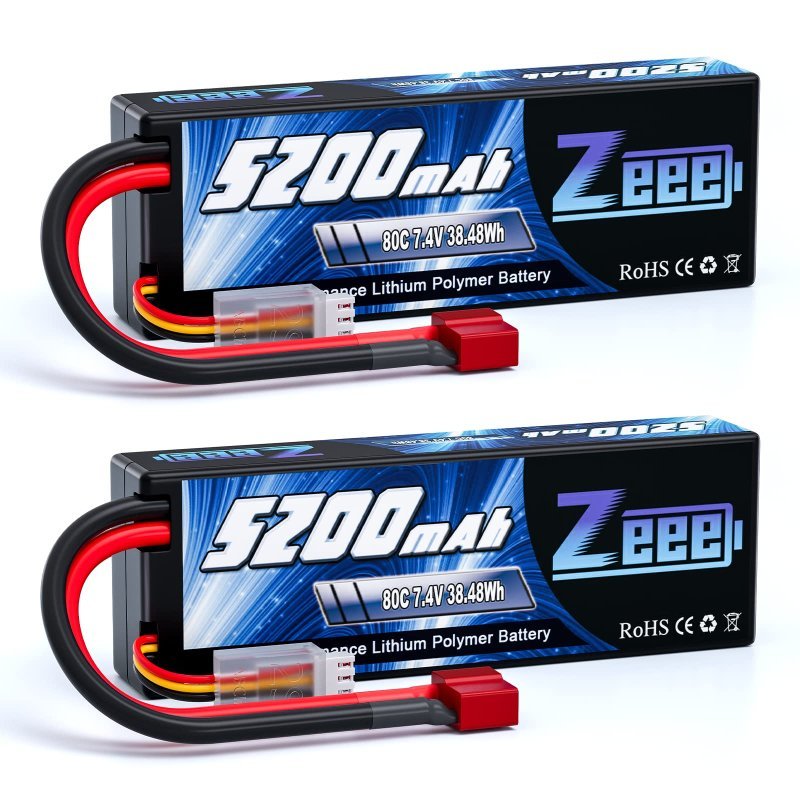
Once your robot has drive motors, this is the honest answer. A lithium-polymer cell is 3.7V nominal (4.2V fully charged, and you stop at about 3.0V), so a “2S” pack — two cells in series — gives 7.4V nominal, 8.4V hot off the charger. That sits right in the barrel jack’s window while also being a sensible voltage for common 6V–12V gearmotors.
The spec that matters here is the C rating, which is the discharge rate expressed as a multiple of capacity. An 80C 5200 mAh pack is rated, on paper, for 5.2A × 80 = 416A. Your robot will never ask for a fraction of that, and that’s the point: a pack with enormous headroom has very low internal resistance, so when your motors stall against a table leg and yank two amps, the voltage barely moves and the Arduino keeps running. Buying an RC-grade pack for a robot isn’t overkill — it’s buying the stiffness, not the amps.
Hard-cased, 7.4V nominal, and stiff enough that motor stalls don’t reset your board. Two packs means one on the robot and one charging. You will need a balance charger and a T-plug pigtail — neither is included.
Check Price on Amazon →What I’d skip
9V alkalines, obviously. Phone power banks, unless your project draws enough current to keep them awake — and a microcontroller usually doesn’t. Single-cell LiPos wired straight to a motor driver, since 3.7V isn’t enough to spin most gearmotors with any authority. And anything you have to solder to a bare cell: buy packs with connectors already fitted, because soldering directly to a lithium cell heats it in exactly the way you don’t want.
Two safety rules that aren’t optional with lithium
Charge LiPos with a balance charger, on a non-flammable surface, while you’re in the room. A balance charger monitors each cell individually through the small white balance connector, which is the whole reason that second plug exists — cells drift apart over time, and an unbalanced pack is how a charge goes wrong.
And don’t run a LiPo flat. Below roughly 3.0V per cell you do permanent damage, and a deeply over-discharged lithium cell is genuinely unsafe to recharge. Either add a cheap low-voltage alarm to the balance port, or make a habit of putting the pack on the charger when your robot starts getting sluggish rather than waiting for it to stop.
Do that, and the pack outlasts the robot. Which, in my experience, is exactly what happens — the batteries end up migrating from build to build long after the chassis they started in has been taken apart for parts.